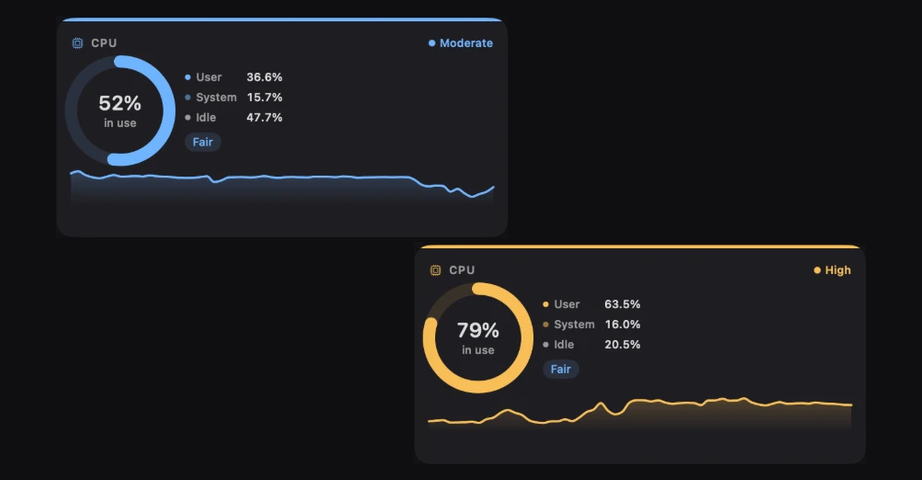
CPU, with a verdict.
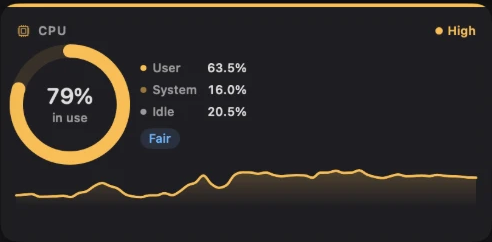
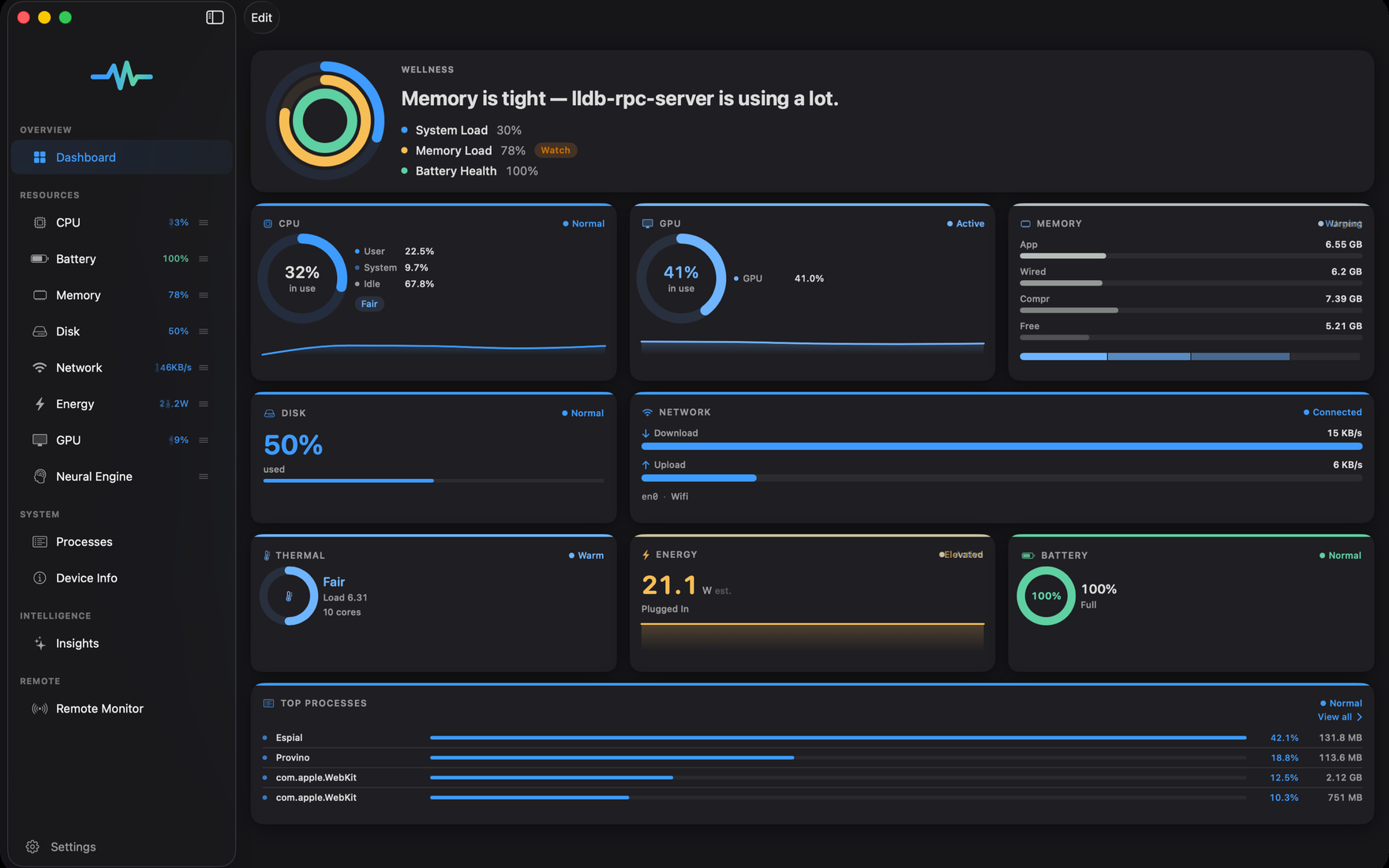
User, system, and idle — split, charted, and judged, from Moderate to High.
 Espial
Every core, every watt, every process — sampled every second, graded in plain English, and priced in real dollars.
In development — Espial for Mac ships first, direct from this site.
Overview
The pulse
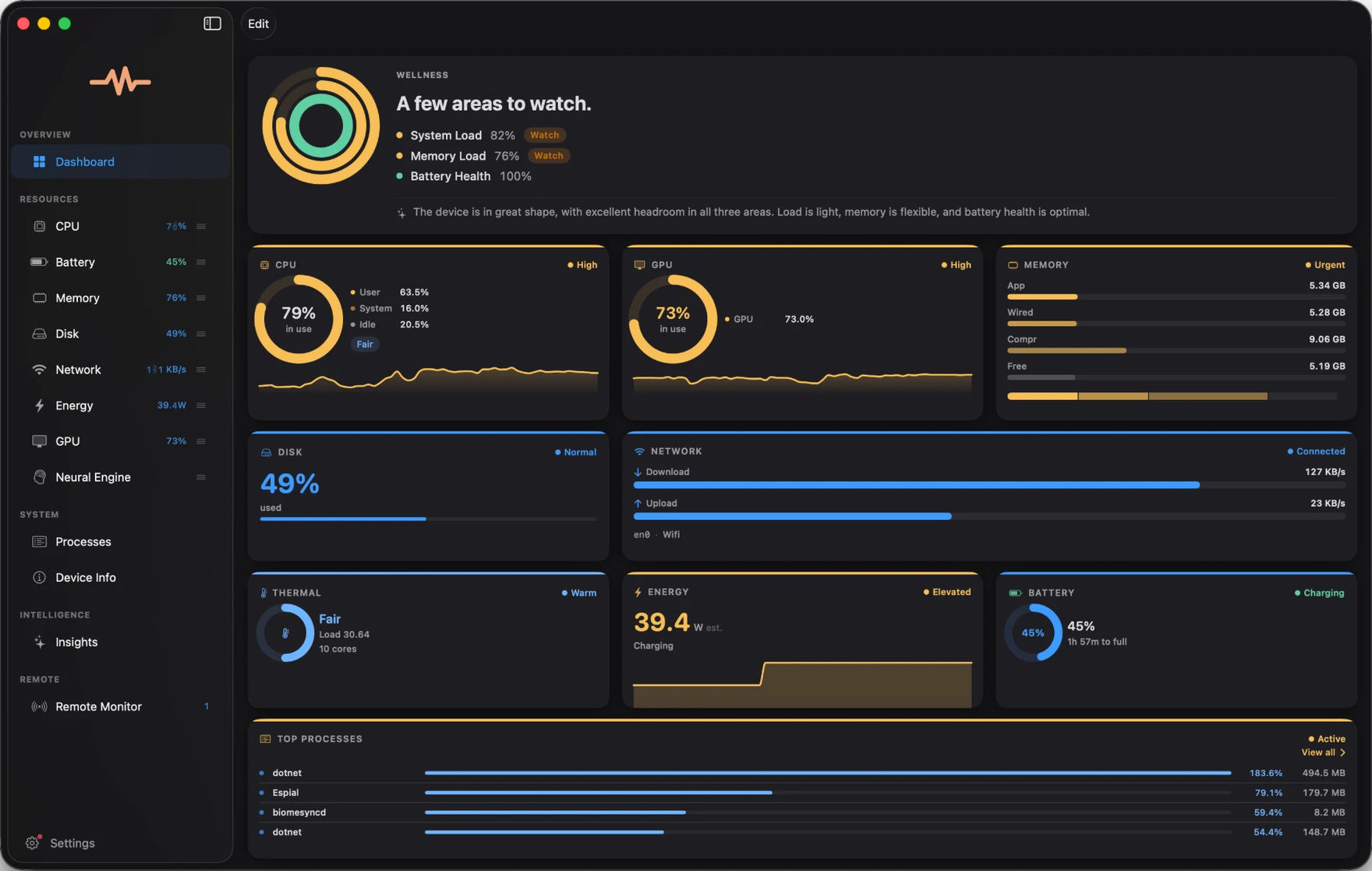
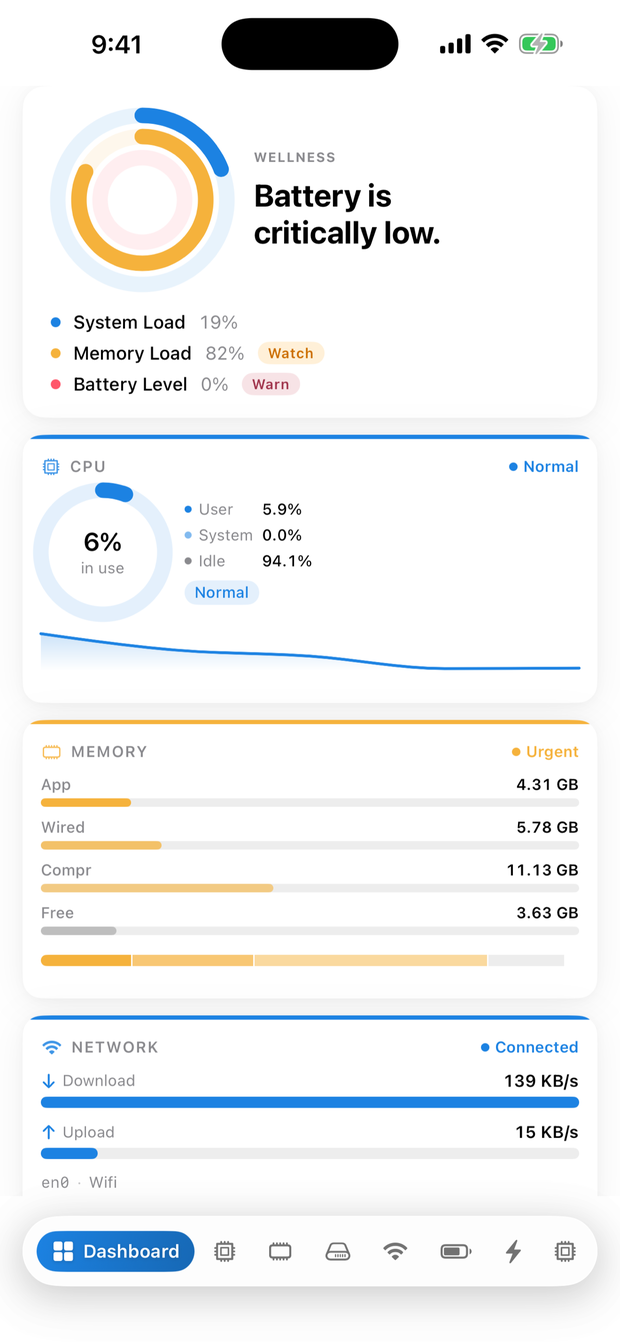
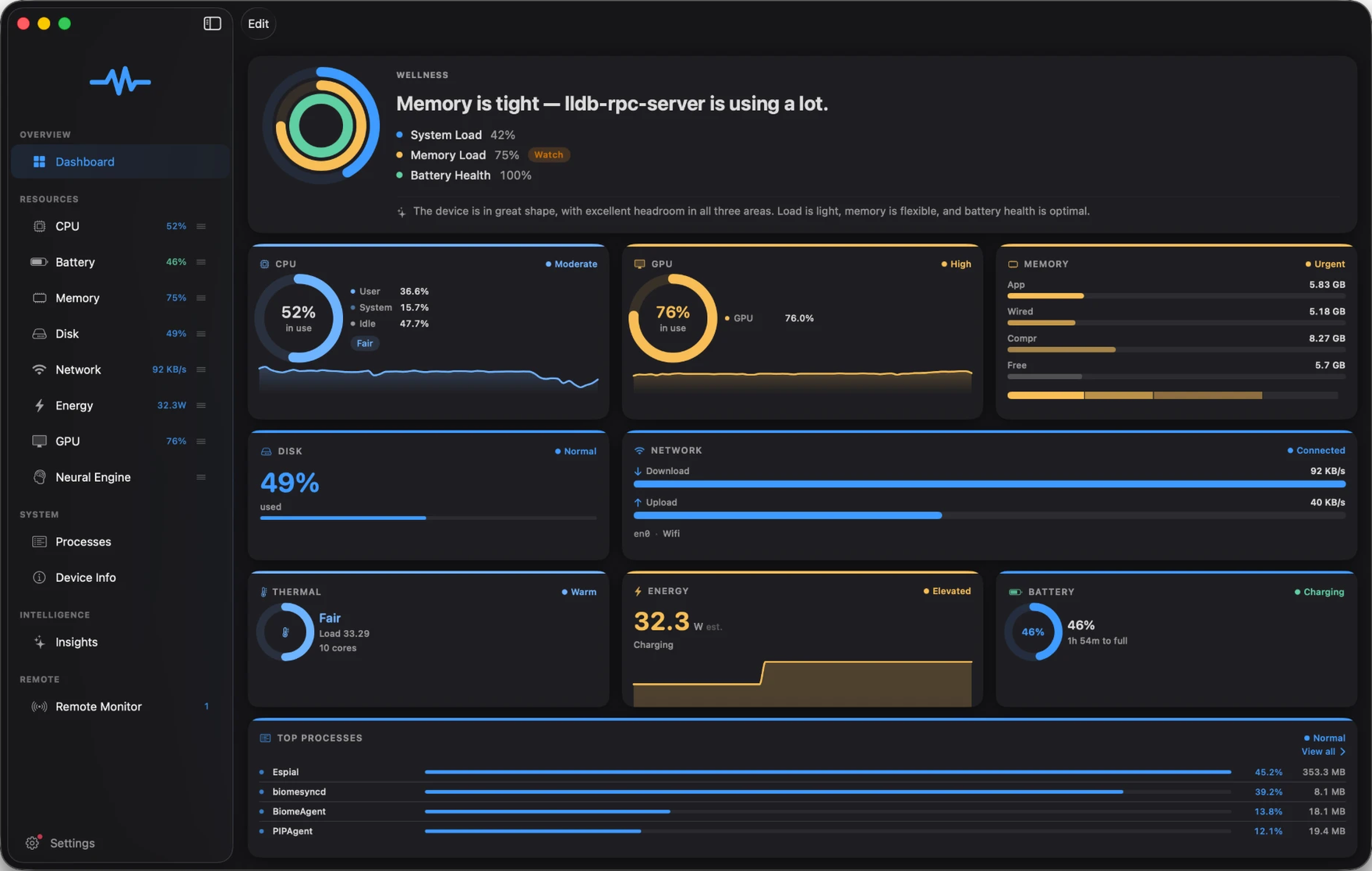
Espial doesn’t sit still. Every ring, chart, and status chip — even the mark in the sidebar — takes the color of what’s happening right now: steady blue while your Mac coasts, warm amber when something is working hard.

 Even the mark keeps time.
The sidebar pulse takes your system’s color — you know before you’ve read a number.
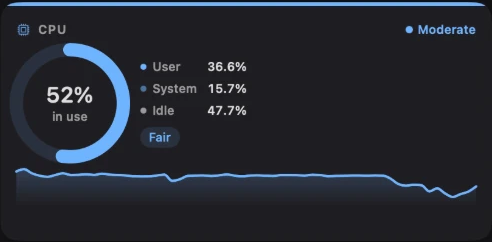 Every tile judges itself.
Moderate, High, Urgent — each subsystem wears its own verdict, not a global mood.
Nothing blinks for attention. Blue means all is well — amber appears only where, and while, it’s true.
Wellness
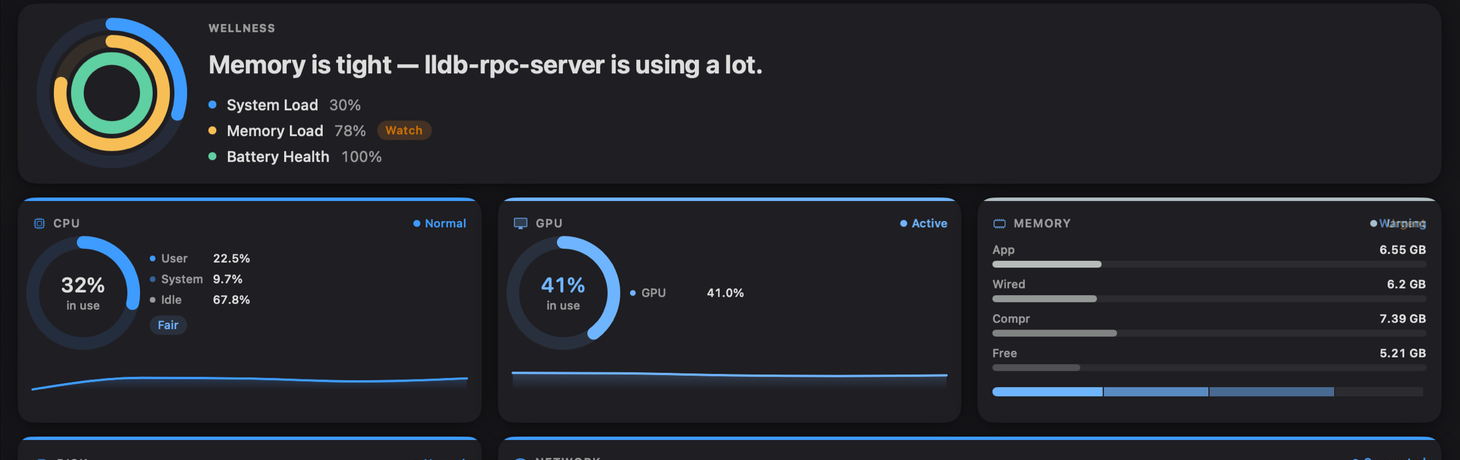
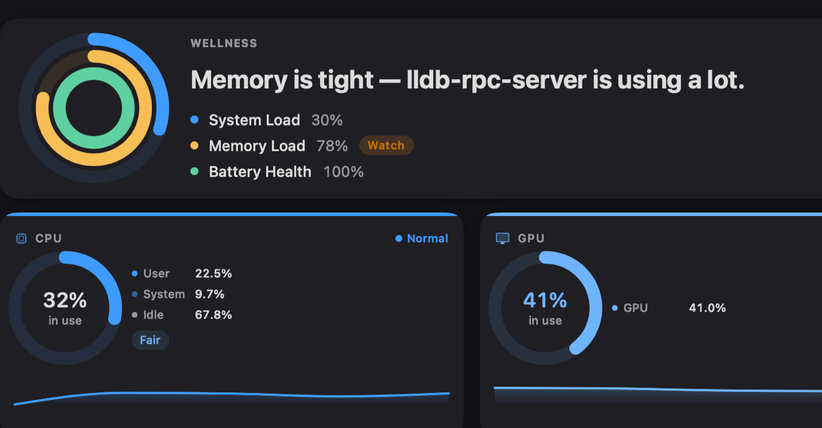
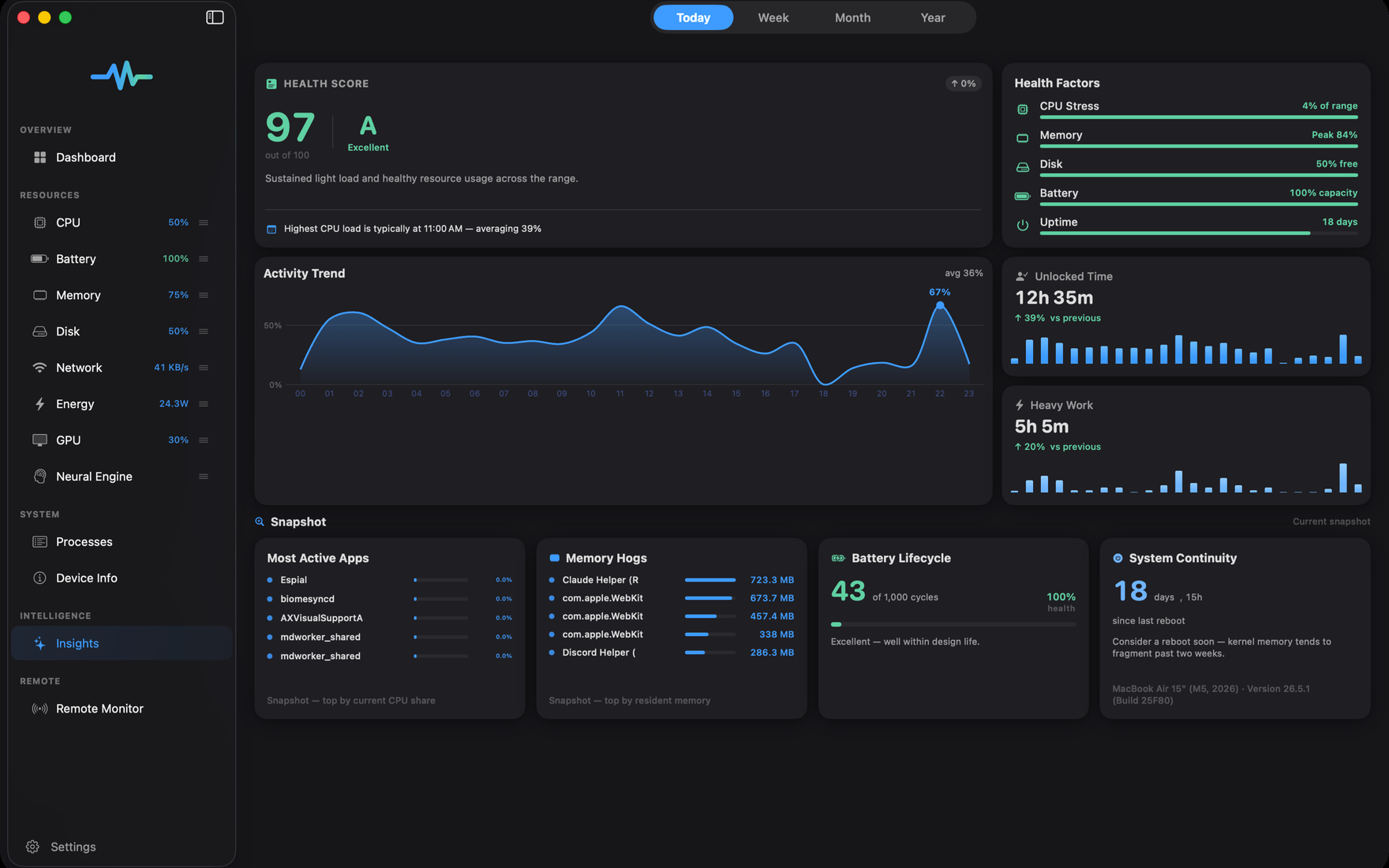
The dashboard opens with a verdict, not homework: three rings for system load, memory, and battery health, a plain-English headline, and a Watch chip on exactly the areas that earn one.


Insights
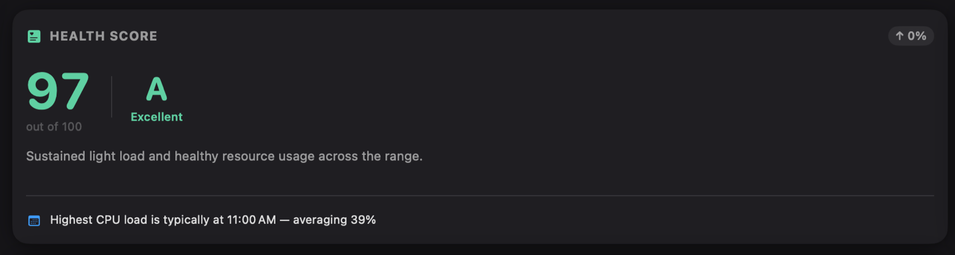
Espial reads every subsystem, weighs what matters, and grades your device from A to F — then explains itself in plain English.
A Excellent · today’s health score
Energy
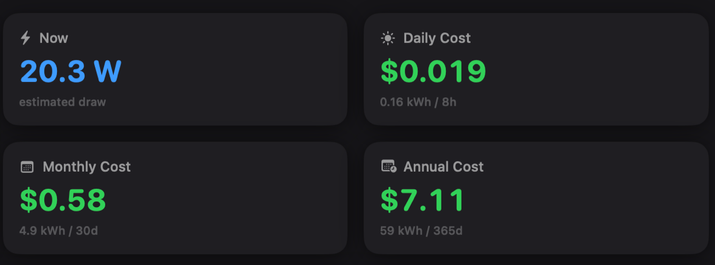
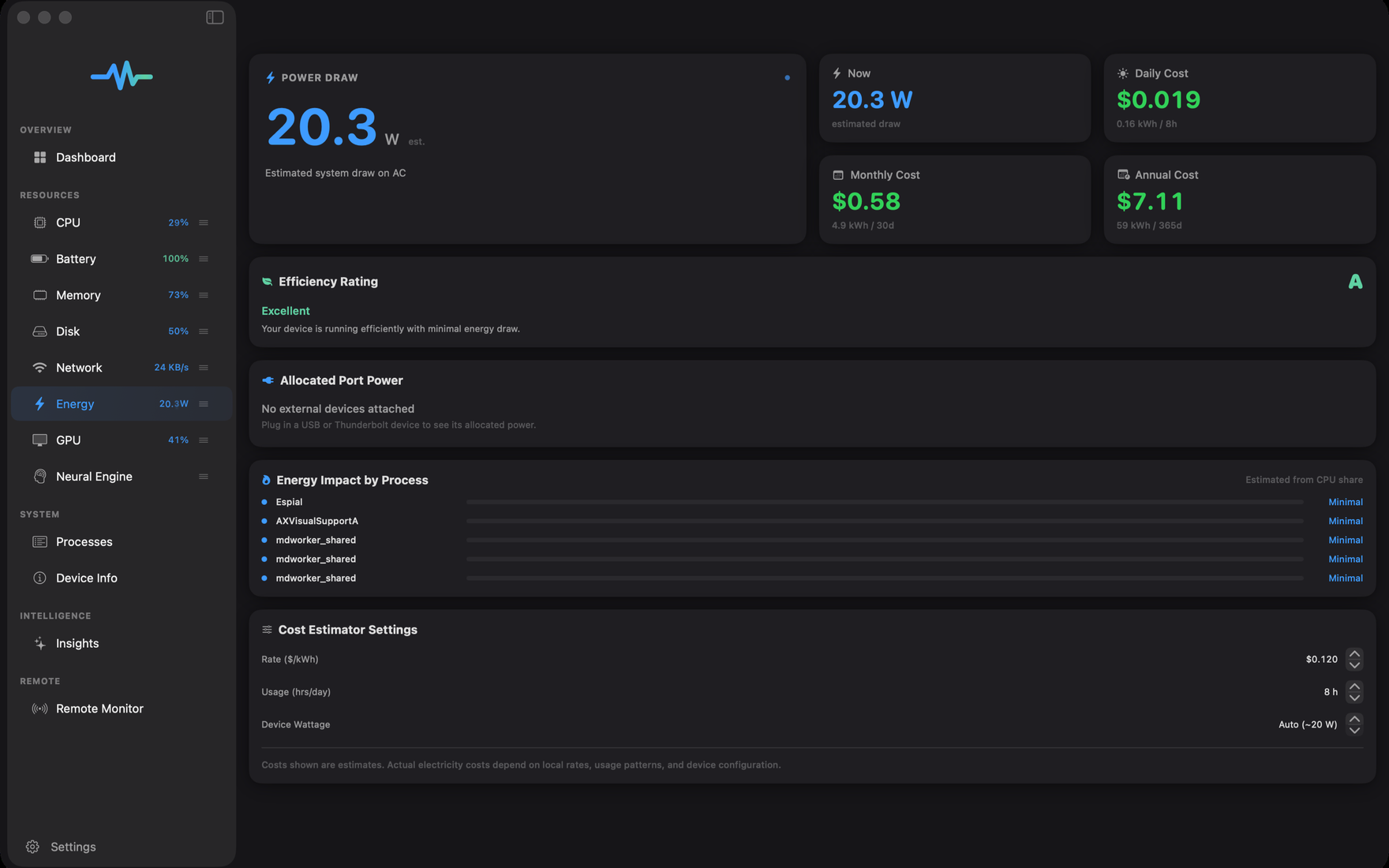
a year — this MacBook Air, eight hours a day, at $0.12 per kWh.
Espial reads your Mac’s power draw — estimated the same way macOS does — applies your electricity rate, and shows the running bill, for the whole machine and every process on it.
Coverage
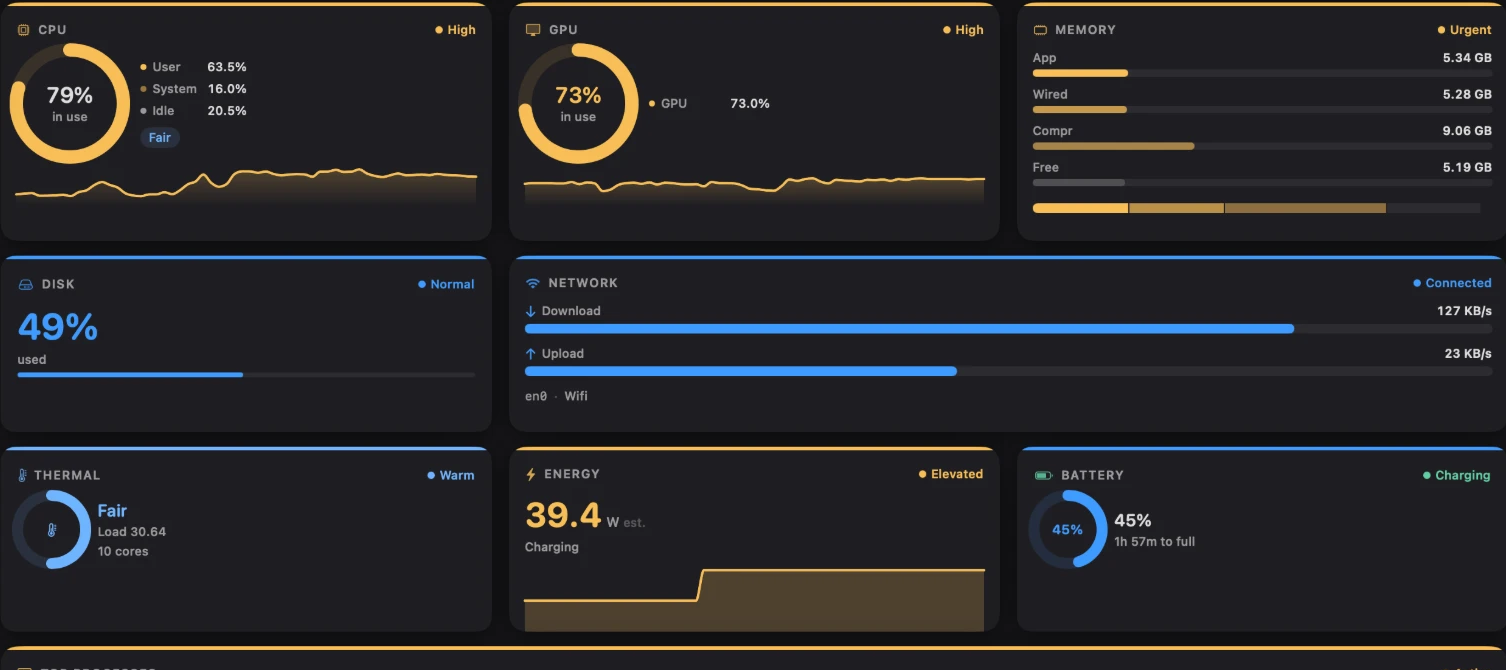
Nine subsystems, sampled every second — on a dashboard you can arrange any way you like.
User, system, and idle — split, charted, and judged, from Moderate to High.
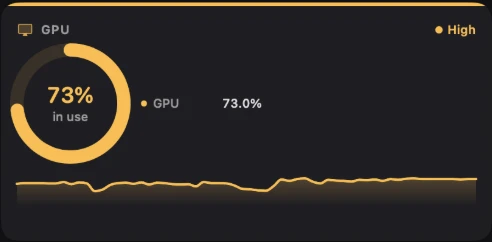
Ringed, trended, and judged on its own — even when only the GPU is working hard.
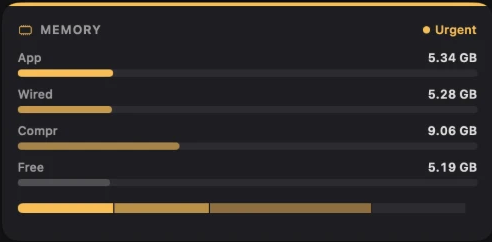
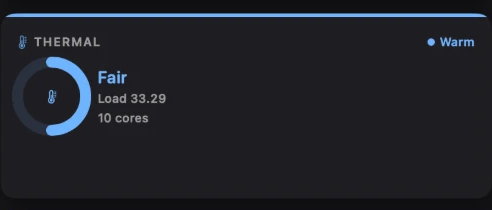
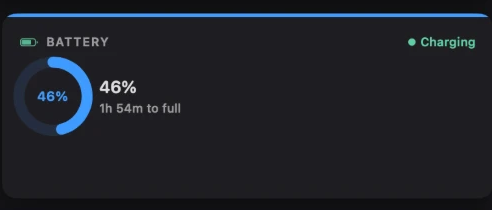
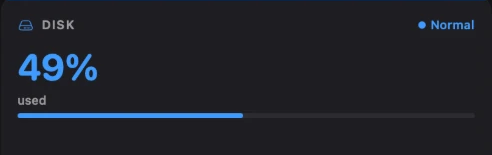

Live throughput and totals — from en0 to your VPN.

Every process and its footprint — Espial includes itself.
Why Espial
Activity Monitor is a fine utility — we keep it in our dock too. Espial picks up where it stops.
Platform honesty
iOS and iPadOS sandbox what apps may see. Espial shows everything each platform allows — and nothing it can’t verify.
| Capability | Mac | iPad | iPhone |
|---|---|---|---|
| System-wide CPU and memory | Yes | Own process | Own process |
| Process list and termination | Yes | — | — |
| Disk capacity and free space | Yes | Yes | Yes |
| Battery, thermal, reachability | Yes | Yes | Yes |
| GPU and Neural Engine | Yes | Not exposed by iPadOS | Not exposed by iOS |
| Health score and insights | Yes | Yes | Yes |
| Remote Monitor | Yes | Yes | Yes |
Pricing will be announced at launch. Espial for Mac will be available directly from this site; the iPhone and iPad apps arrive through the App Store.
Health insights are computed on your device. Remote Monitor shares snapshots between your own signed-in devices through your iCloud account — that’s what it’s for — and you can turn it off, or remove a device, at any time.
iOS sandboxes third-party apps more tightly than macOS does. Espial shows everything each platform allows — see the capability table above — rather than estimating numbers it can’t verify.
Espial samples once per second on a single coordinated timer, and its own footprint is right there in the process list — nothing is hidden, including Espial itself.
Espial is in development and launching soon. The moment a Mac build is published, a Download button appears right on this page — no mailing list required.
Espial is coming to all three screens — and your Mac can run it first.
Follow the build on the Status page
macOS, iOS & iPadOS · Espial for Mac downloads directly from this site.